
You can make a good techno track from samples. The samples need to be processed and made unique. The basic method is to chop them into pieces and mix them in a new musical sequence.
Riemann hypothesis is my latest track heavily based on samples.
In FL Studio, the best option for cutting samples is Slicex. You just need to prepare the sample by adjusting the tempo and tonality. Both of these parameters can be edited in the sampler itself. However, it is not convenient to do this in Slicex, so preparing the sample for the project is faster.
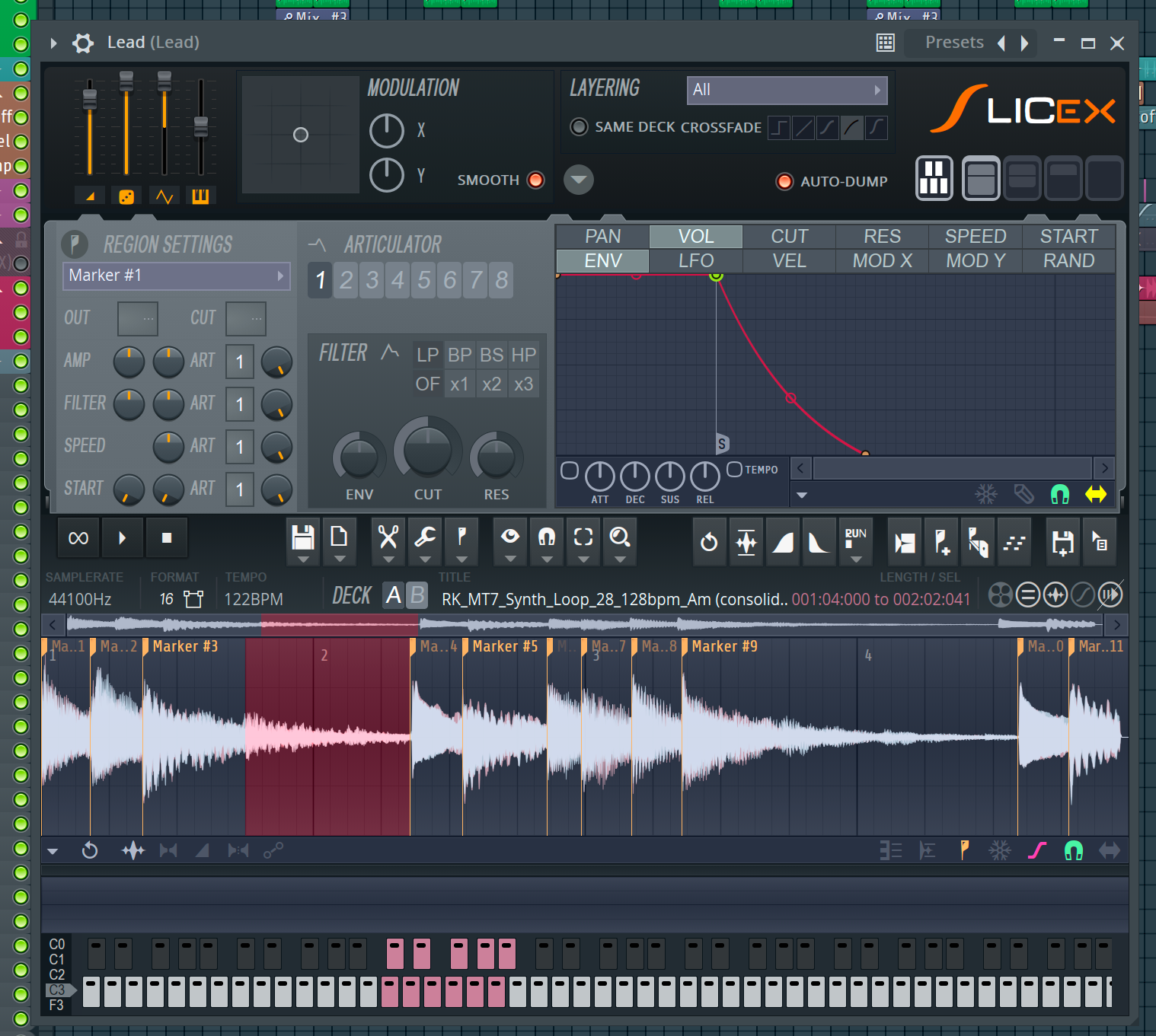
The need for audio preparation depends on the sampler and the convenience of working with it. In Ableton Live, Simpler has the ability to enable warp: the loop in it will be adjusted to the BPM of the project. Similarly to Logic Pro in Quick Sampler, with the difference that Simpler provides more control over the algorithm.
Slicex can both adjust the pitch of an individual region and stretch it. When working with individual regions, we leave the original loop as it is and load it directly into the instrument.
To adjust the loop to the tempo of the project, load the sample onto the playlist and adjust it to the project’s tempo using your preferred method. My favorite method in FL Studio is the “Fit to tempo” function.
If the loop was drum-based or percussive, you can stop here. If the loop is melodic, check that the tonality matches the project’s tonality. There are several ways to do this:
- Play the loop over the finished track base: bass line or harmony;
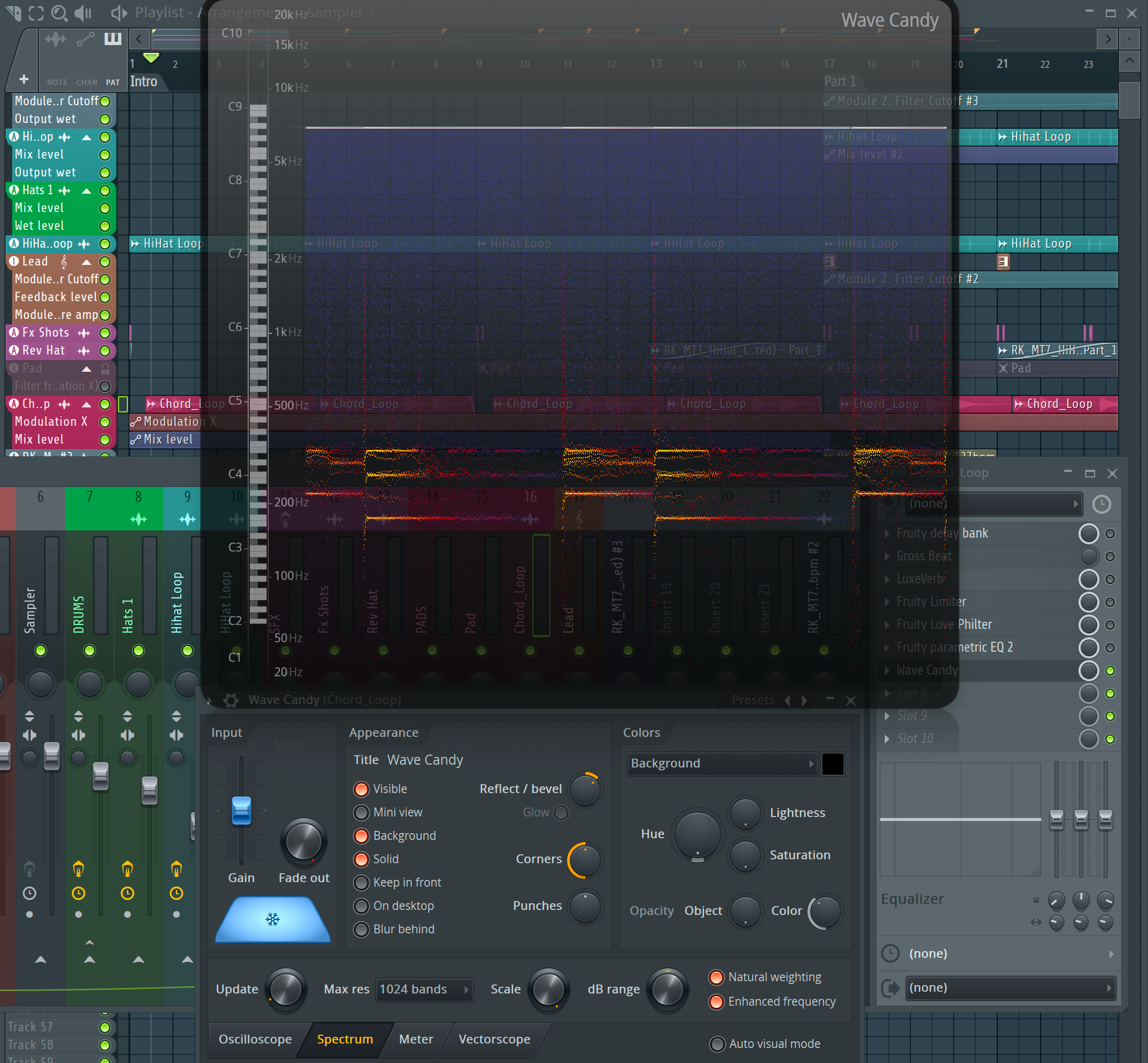
- See which notes Wave Candy draws in Spectrum mode;
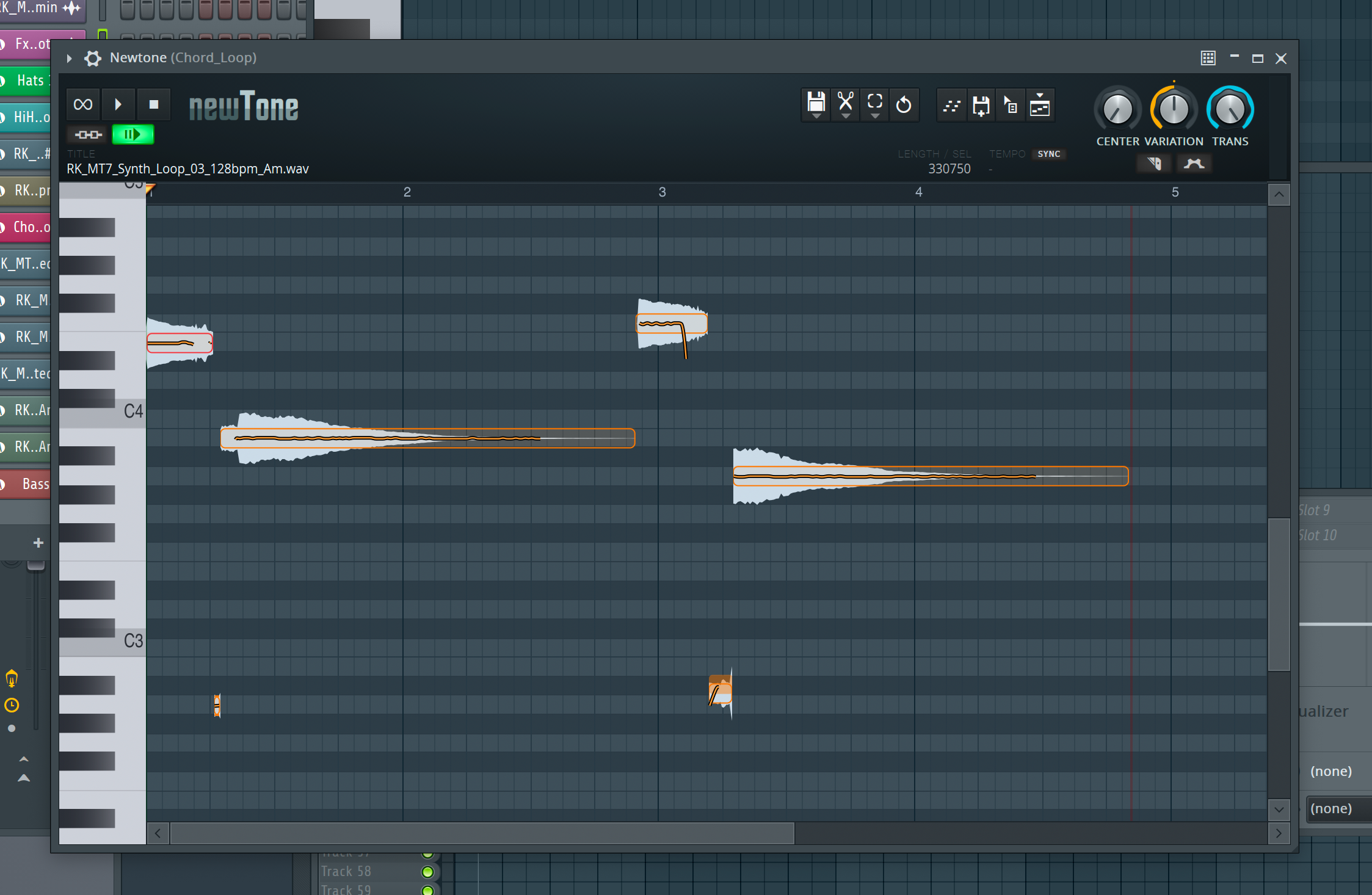
- Open the loop in NewTone if there are no chords;
- Check the tonality indicated in the file name.
Choose any method or combination. Next, in the sampler, use the Pitch knob in the Time Stratching parameter to adjust the tonality to the desired value.
There is one last step left: consolidate track. FL Studio will create a new sample based on the adjustments. Load this new file into Slicex and you can start chopping.
Happy creating!